

A company’s employees
On a company page, click Open employees in the drawer. LinkedIn’s list of people who work there opens, with the Guhan checkboxes and bar on it, and Bulk import… works on it.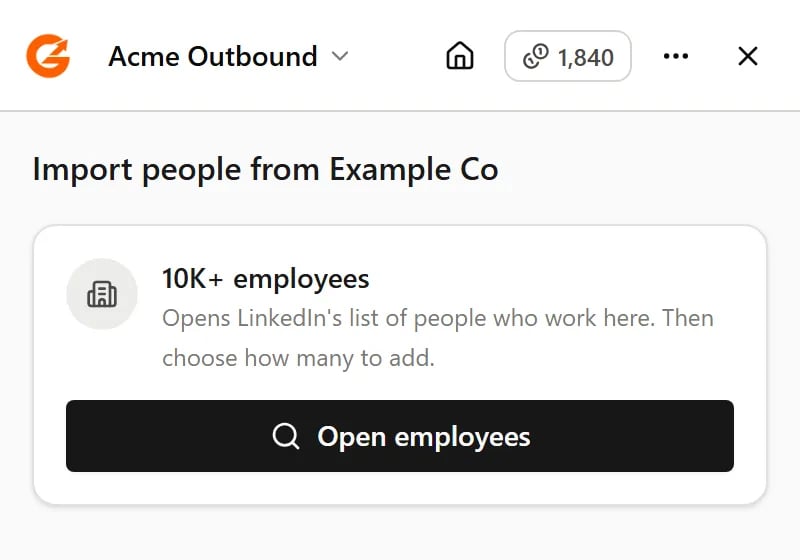
On a company page, Open employees takes you to its people
An event’s attendees
On an event page, click Open attendees. You don’t need to be registered for the event. People who hide that they’re attending won’t appear.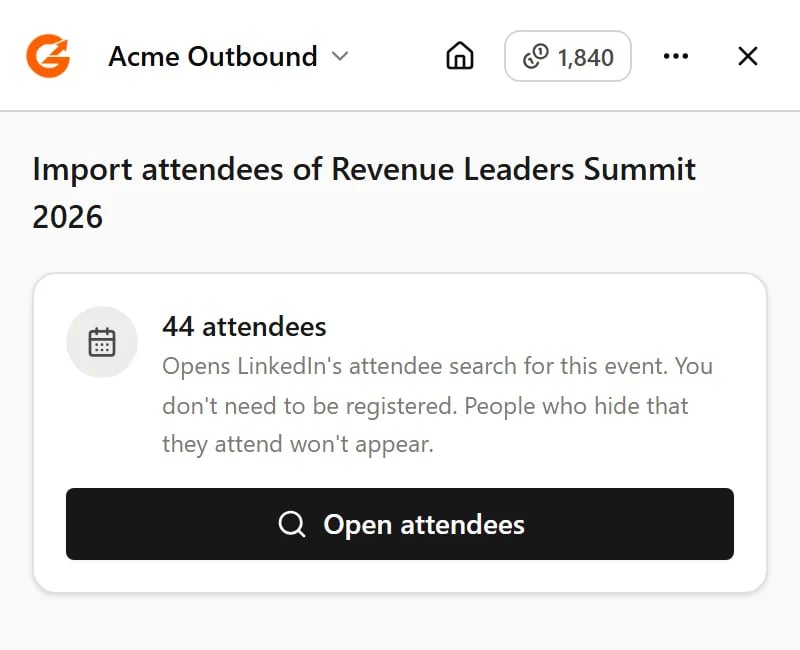
On an event page, Open attendees takes you to the people attending
Your connections, followers and following
These are your own lists, so there is nothing to open first. Go to the list on LinkedIn and the checkboxes and bar appear. See Your connections, followers and following.Related
Searches and imports
Pick people, bulk import, and watch progress.
Get started
Which LinkedIn pages the extension works on.