

Add a product
Brand & Voice, Products & Services, then add one. Every field is optional, but the more you fill in, the more specific the messages get.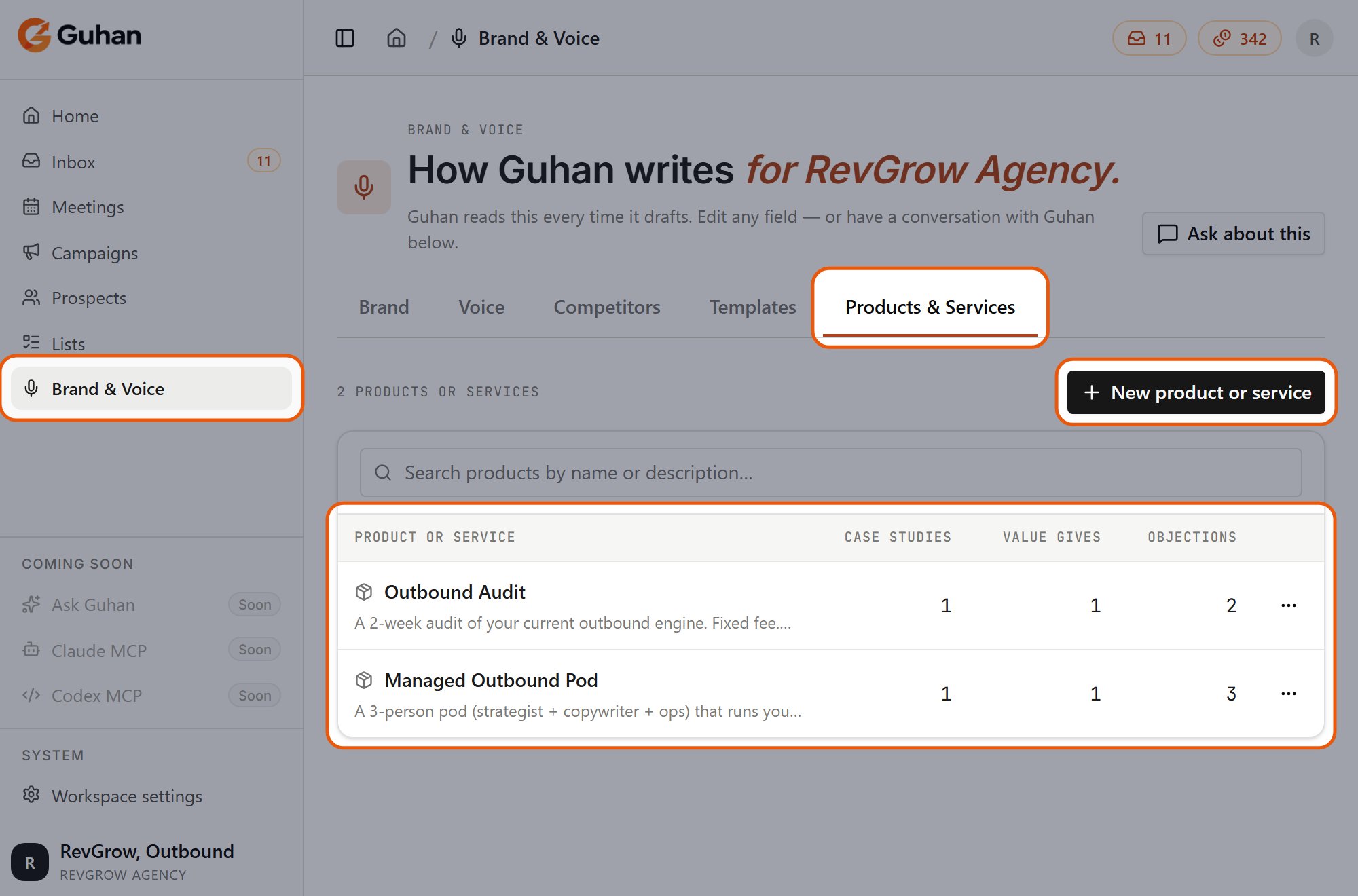
The Products & Services tab: New product or service at the top right, and each product with its case studies, free resources and objections
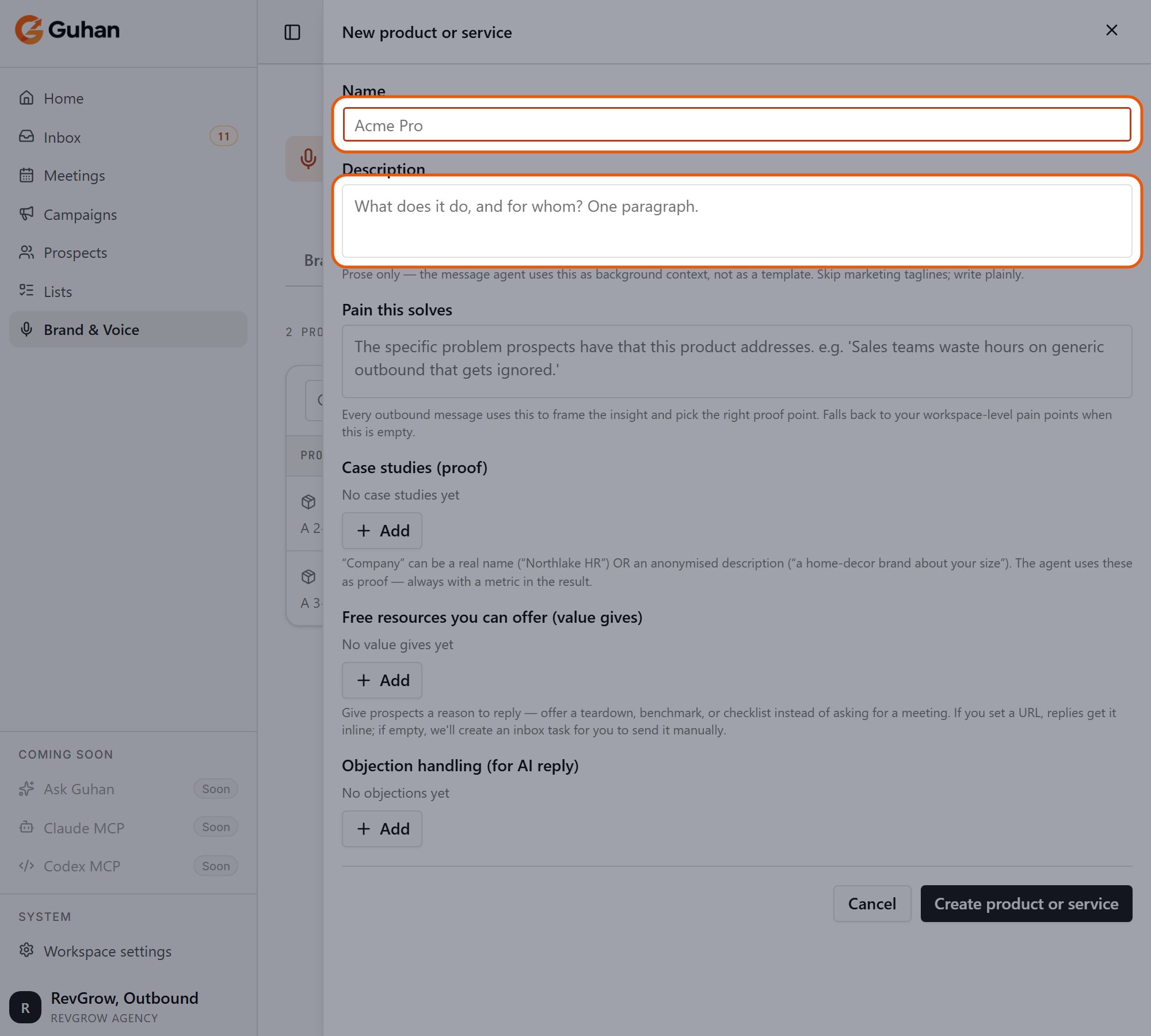
New product or service: a name and a short description
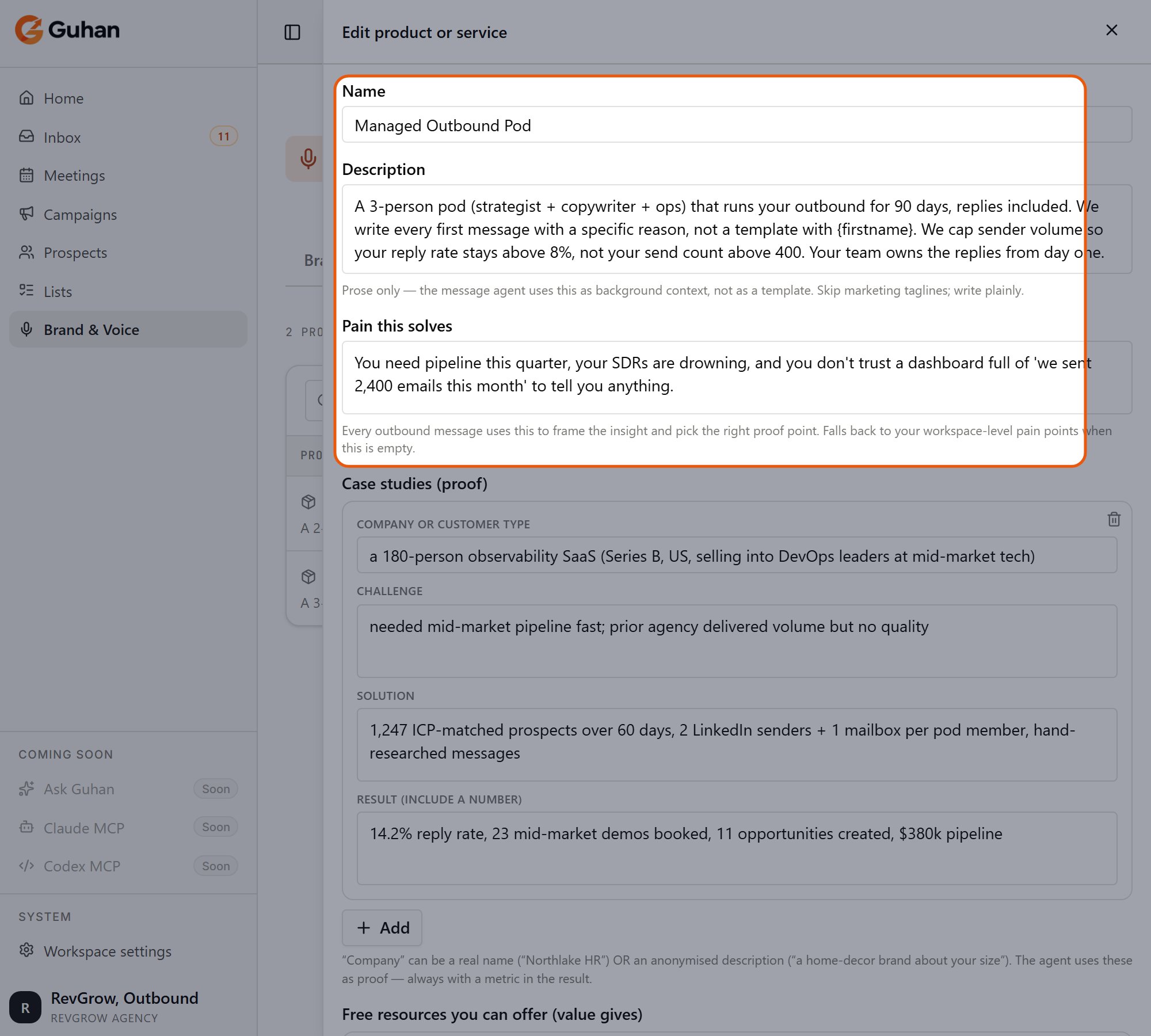
Name, description and the pain it solves
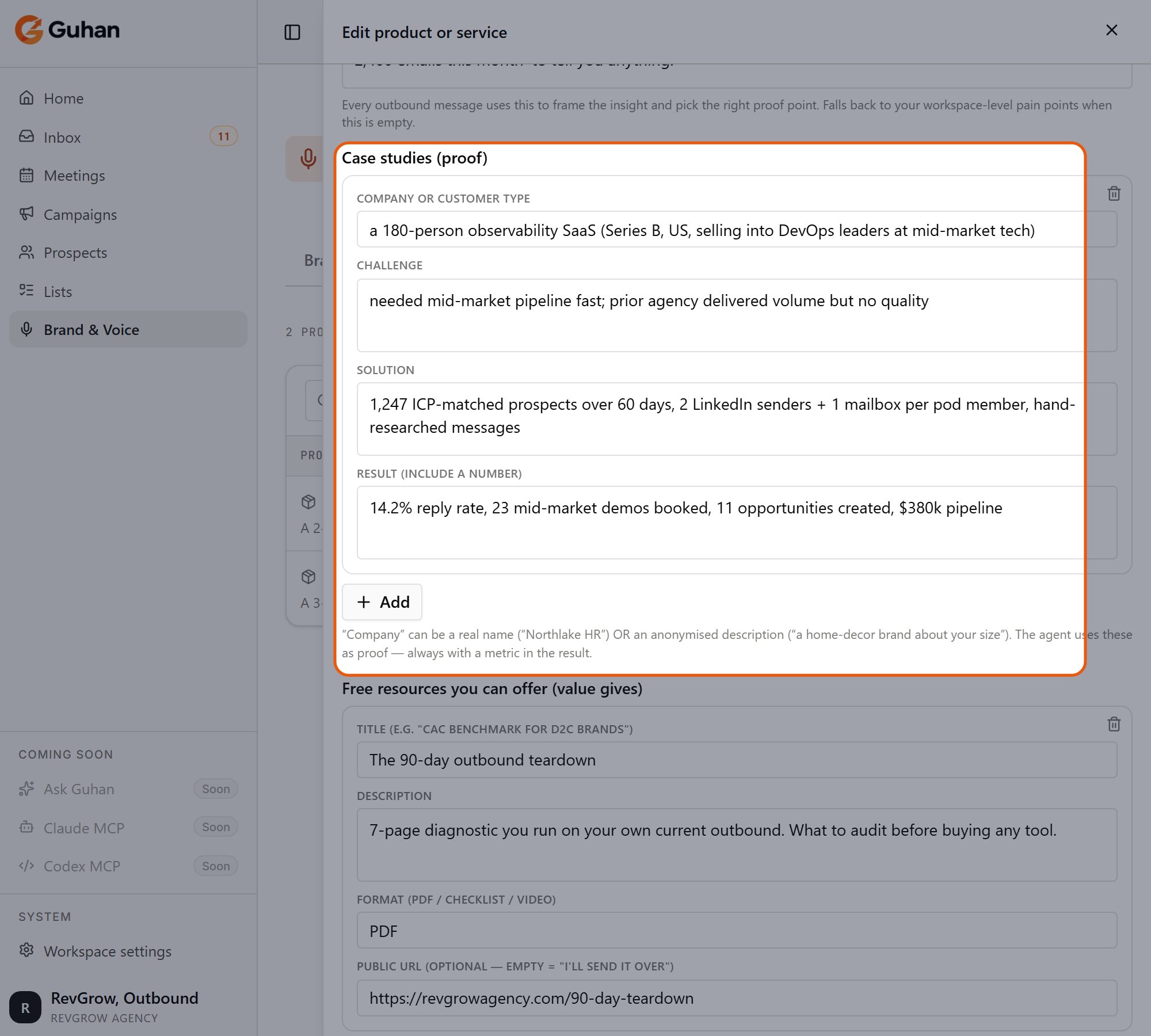
Case studies are proof Guhan can refer to
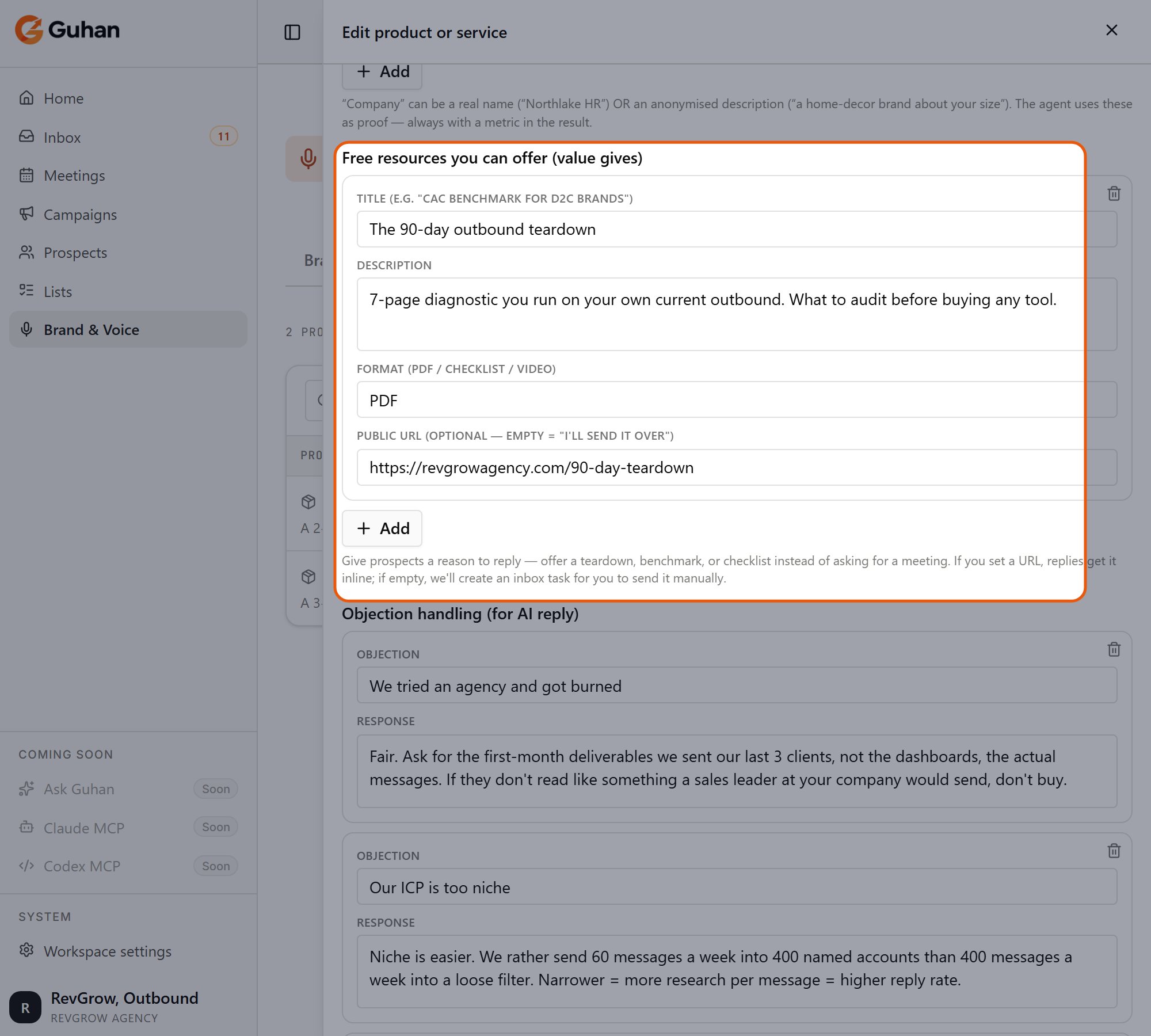
Free resources Guhan can offer
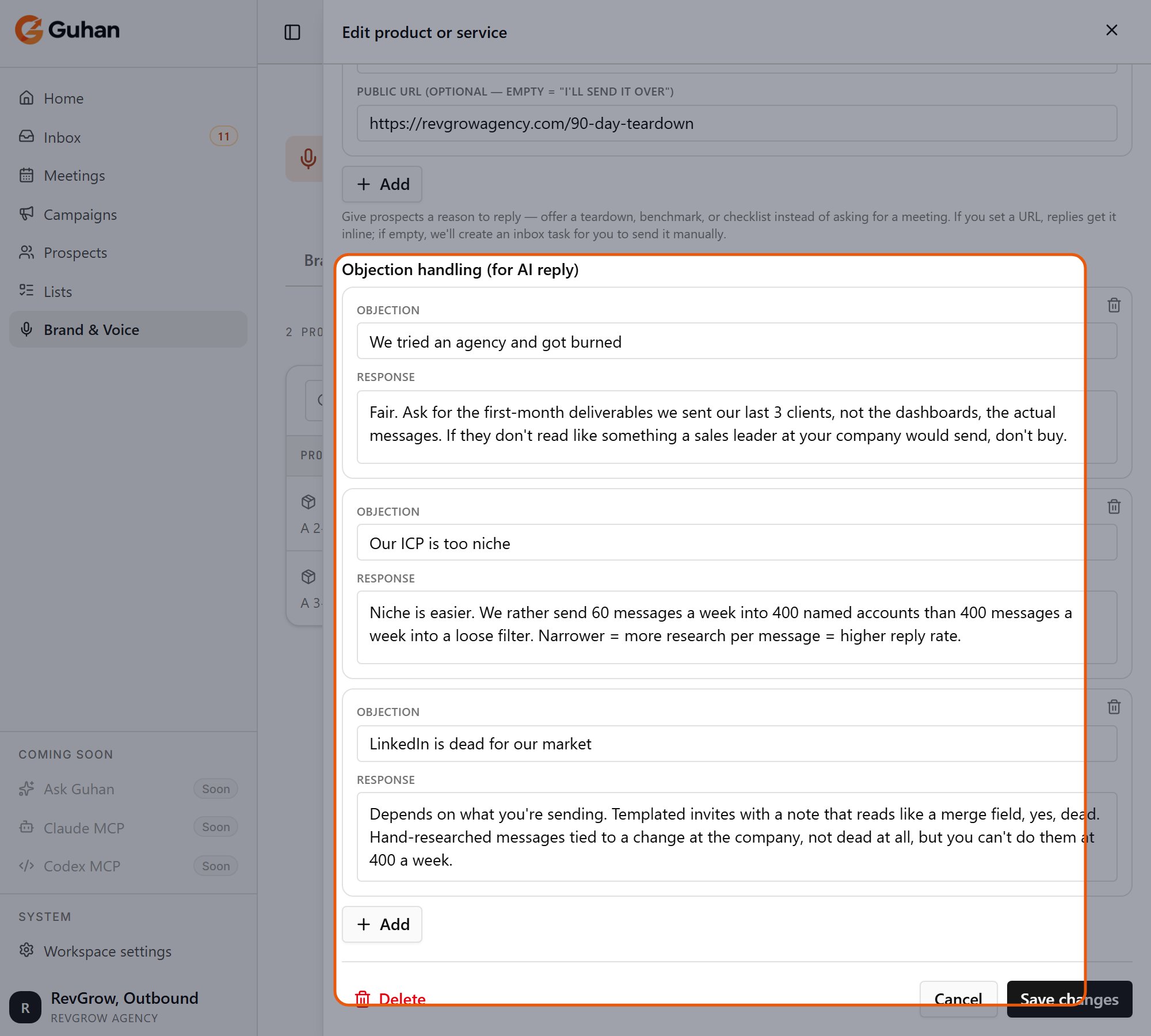
Objection handling: common objections and how to respond when a reply raises one
Pick the product on a campaign
On the campaign, open the start step’s Sequence settings. Choose the product under Product. It sits next to the campaign’s context and goal, and applies to every message in that campaign. The product is optional. If you delete a product a campaign still uses, or leave it unset, Guhan falls back to your workspace-level description and pain points. See Build a campaign.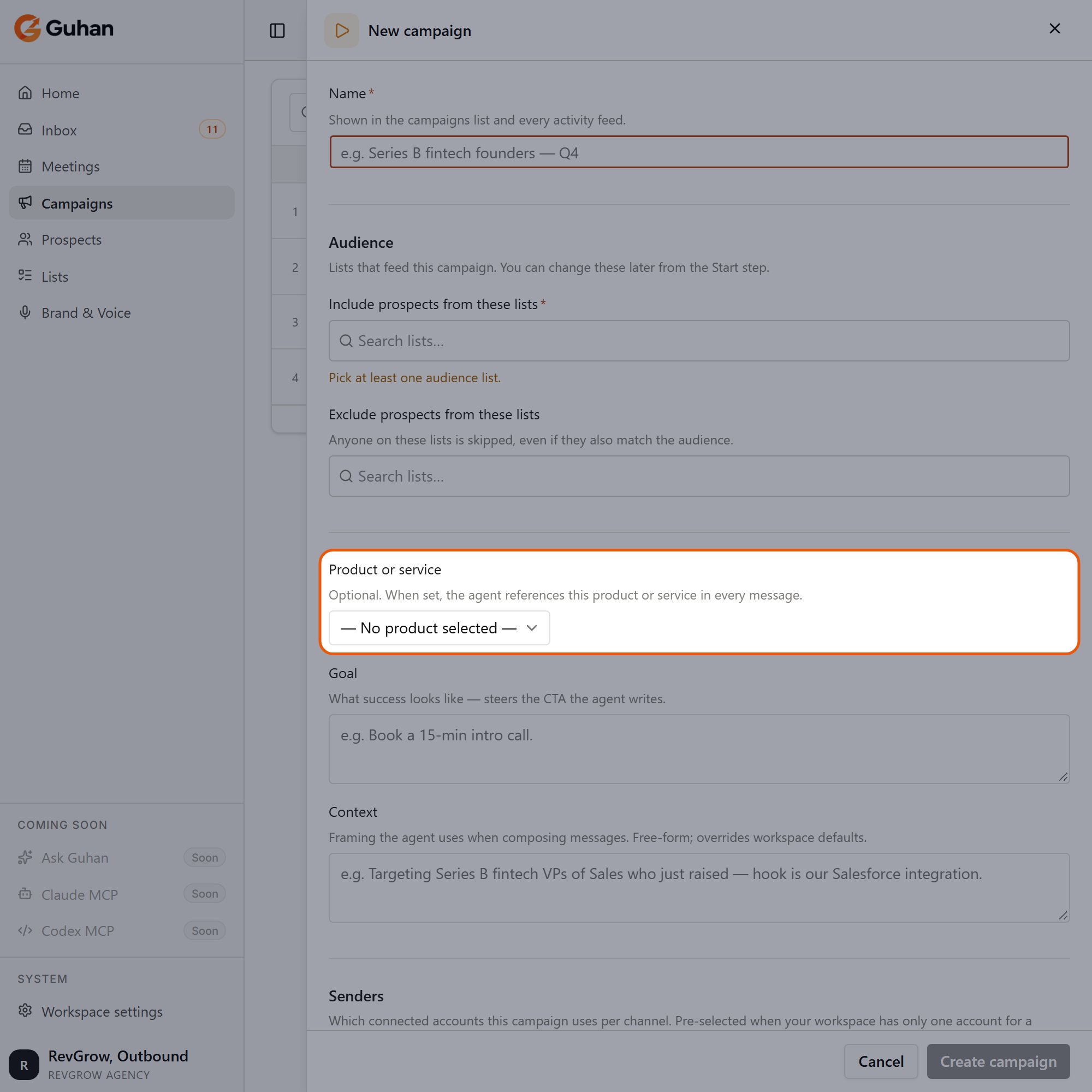
On a new campaign, Product or service sets which product the campaign talks about
Tips
- Lead with the pain, not the feature list.
- One strong case study with a real number beats three vague ones.
- A free resource with a working link makes a good call to action, because the reply can deliver it straight away.
If something’s off
Messages ignore my product
Messages ignore my product
Check that the campaign’s start step has the product selected. A campaign without one uses only your Brand tab.
My free resource did not get sent
My free resource did not get sent
Without a public URL, Guhan creates an Inbox task for you to send it by hand. Add a URL to send it automatically.
I changed the product but old messages did not change
I changed the product but old messages did not change
Messages already sent are never changed. Only messages drafted afterwards use the new details.
Related
Build a campaign
Pick the product on the start step.
Brand & Voice
Workspace-level voice and positioning.
AI reply drafts
How objection answers are used.