

Launch checklist
Click Launch on the campaign page. Guhan checks the campaign first. Blockers stop the launch until you fix them. Warnings do not stop it.Blockers
The sequence has at least one step
The sequence is valid
An audience list is selected
Every channel in the sequence has senders
At least one sender per channel is connected
Warnings
You can launch with these, but they are worth a look:- No prospects in the audience yet. The campaign sits ready and picks up prospects as they are added to the list. Nothing sends until then.
- No product set. Messages go out without a product to pitch.
- No brand voice configured. Messages may not match your tone.
A quick sanity check
Before you click Launch, preview a message for a real prospect, confirm the sender’s send window and limits match what you want, and make sure your own company’s email domain is on your Do Not Contact list.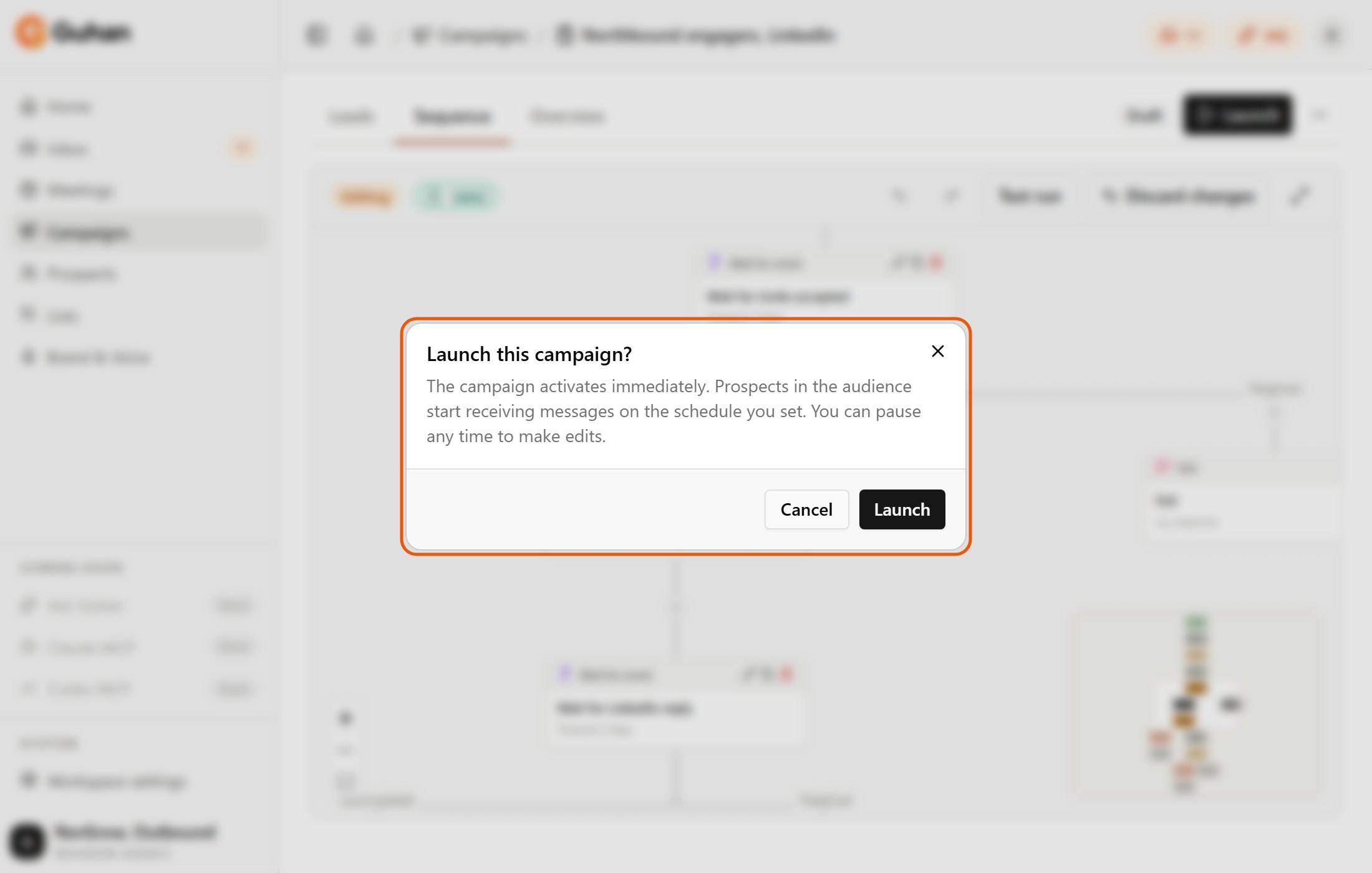
Launch asks you to confirm before the campaign goes live. Cancel keeps it a draft
Campaign statuses
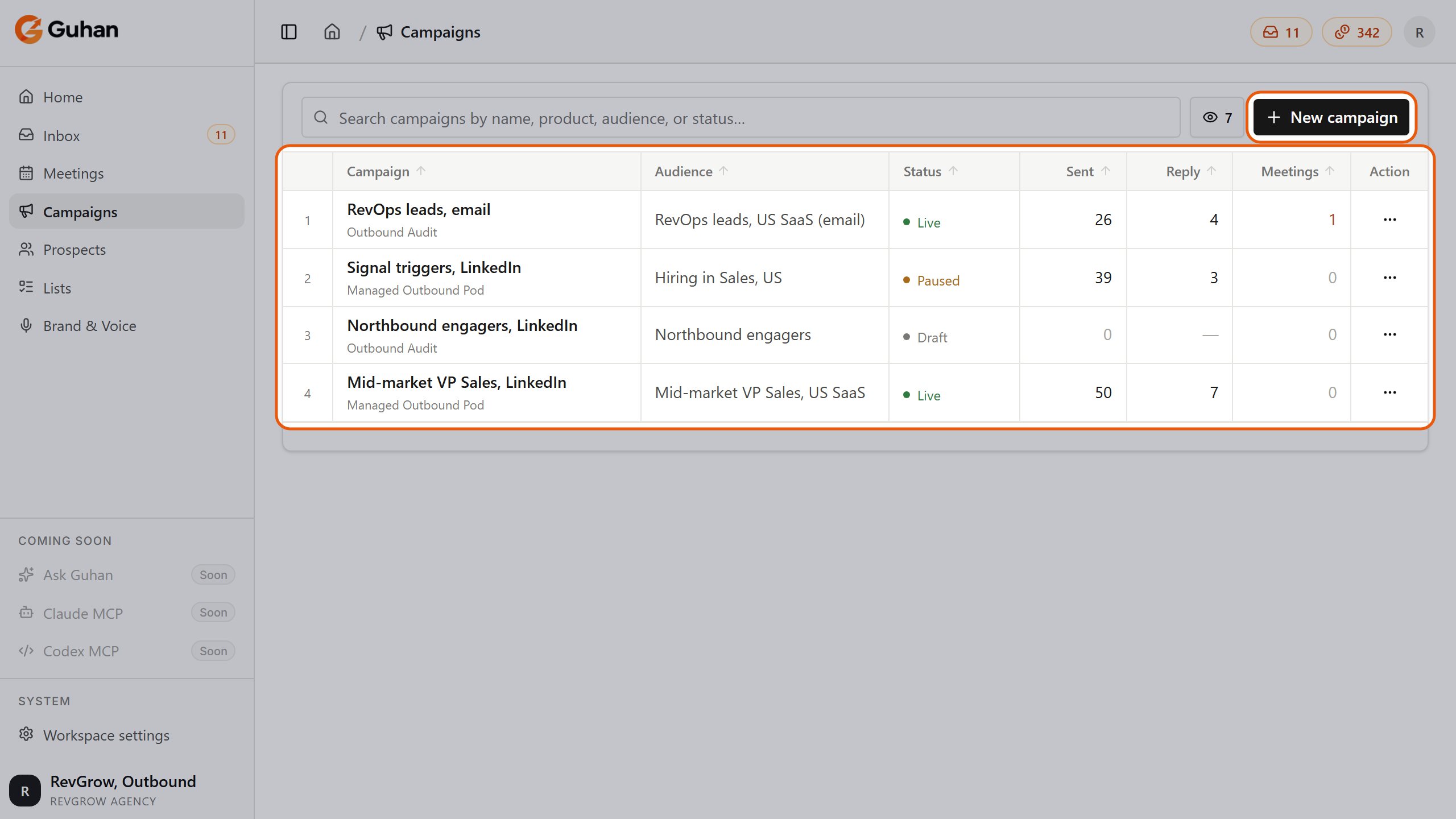
Statuses in the Campaigns list: Live, Paused and Draft
How prospects enroll
- When a campaign goes active, prospects already on its audience lists enroll.
- While it is active, any prospect added to an included list enrolls automatically, however they were added: a search or signal, a CSV upload, by hand, or Add to list from the Prospects page. There is no separate toggle. People who were already in the list before the Campaign went live enroll when you launch or resume it.
- Prospects on an excluded list never enroll.
- A prospect can only be active in one enrollment of the same campaign at a time. With Allow re-entry on, they can enter again after the cooldown, up to the maximum entries you set. With it off, each prospect enrolls once.
Pause and resume
Click Pause and confirm. Sends stop right away. Prospects in flight stay where they are, and when you Resume they continue from their next scheduled step. Individual prospects also pause on their own when their sender disconnects, and resume when it is reconnected.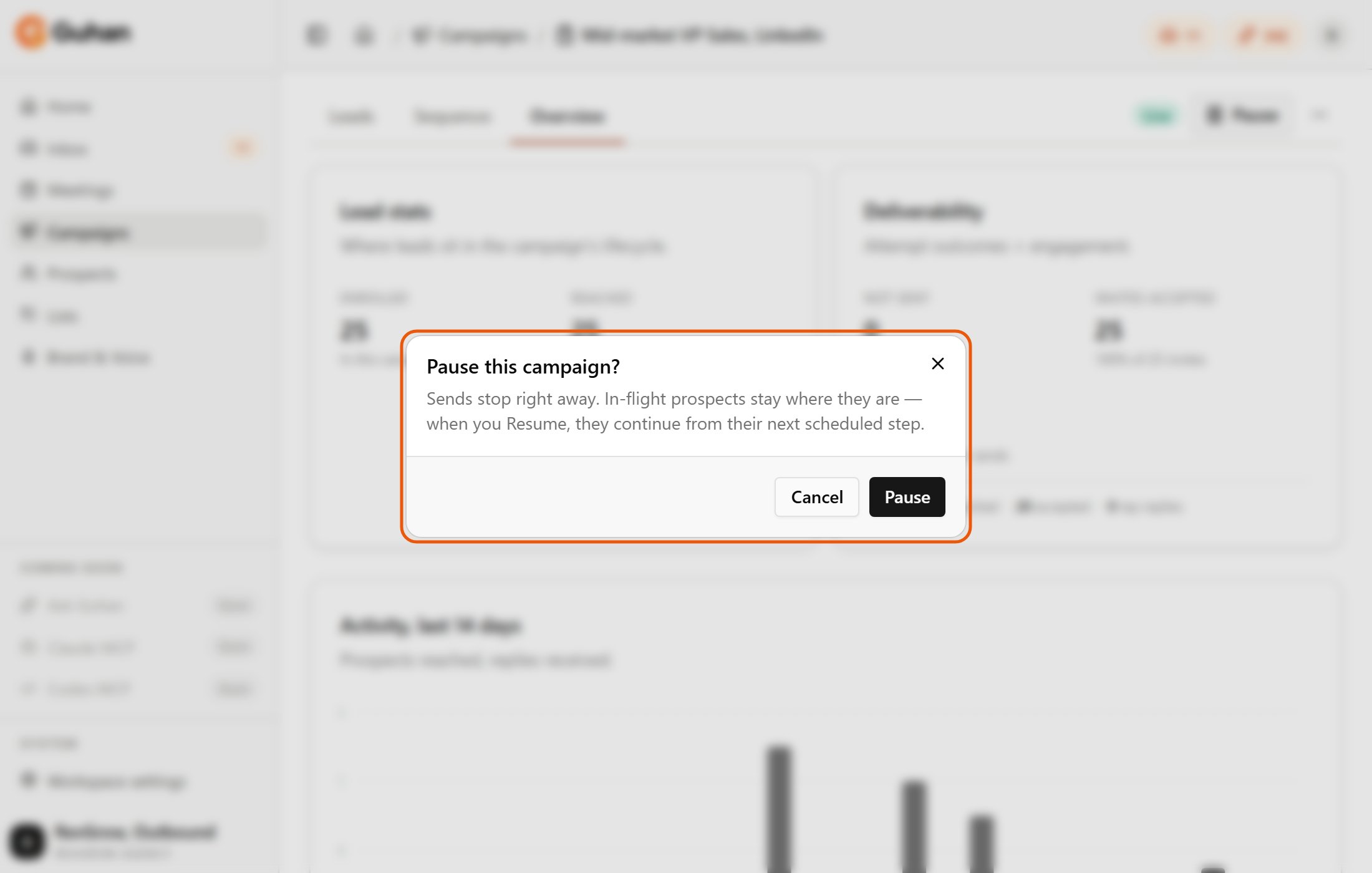
Pause this campaign: sends stop right away and prospects stay where they are
Edit a live campaign
Active campaigns are view-only, so you cannot change a sequence mid-send by accident.Pause the campaign
Make your changes
Click Resume
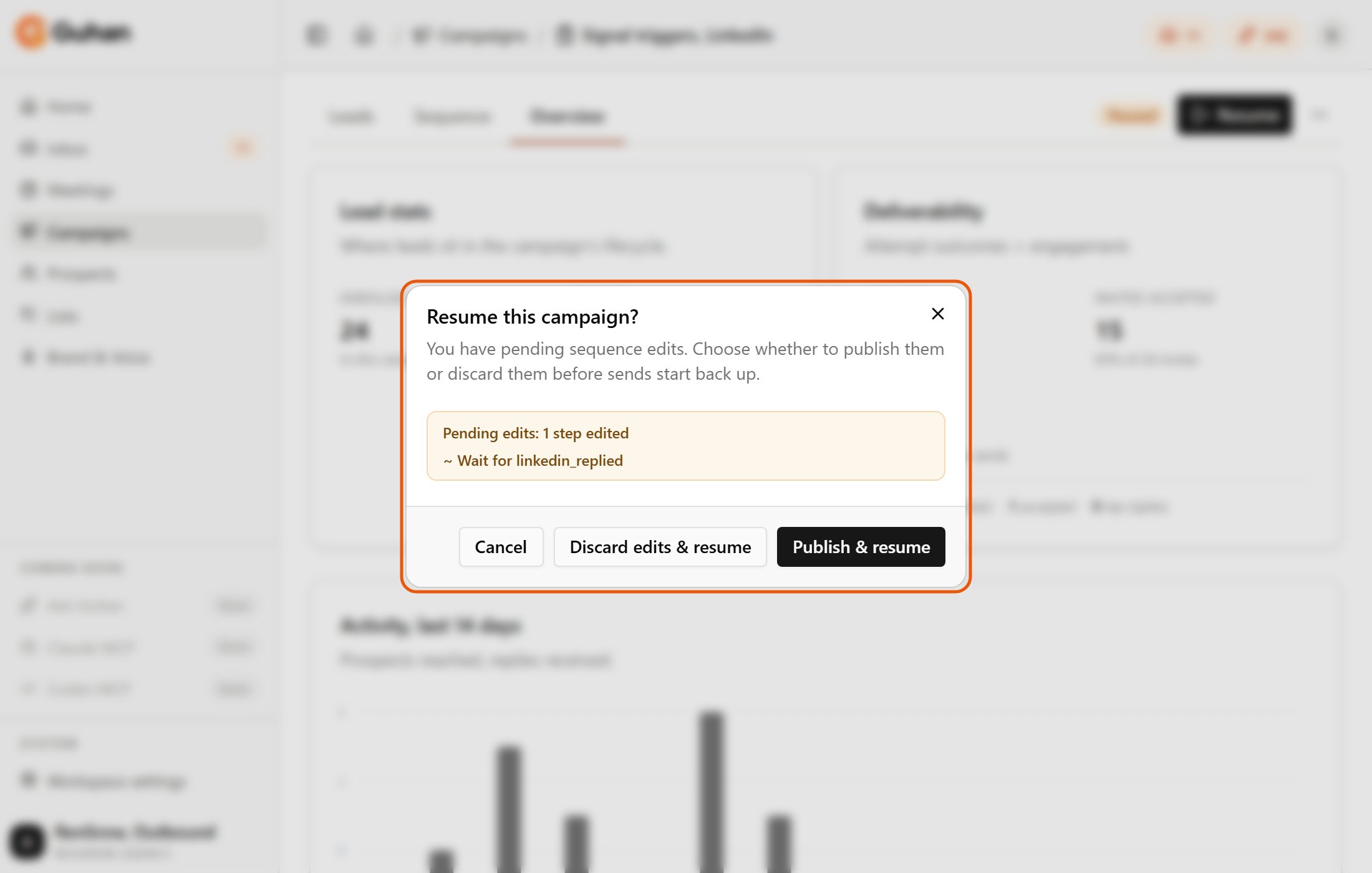
Resuming a paused campaign with unpublished edits: publish them or discard them
Test run
Use Test run in the Sequence editor to walk a prospect through the steps and see what would fire, in order, without sending anything. See Build a campaign.Clone a campaign
Open the … menu on the campaign page and choose Clone campaign. You get a new draft with the same steps, re-entry rules, and senders. The audience is not copied, so pick one before you launch. This stops the copy from contacting the same prospects as the original.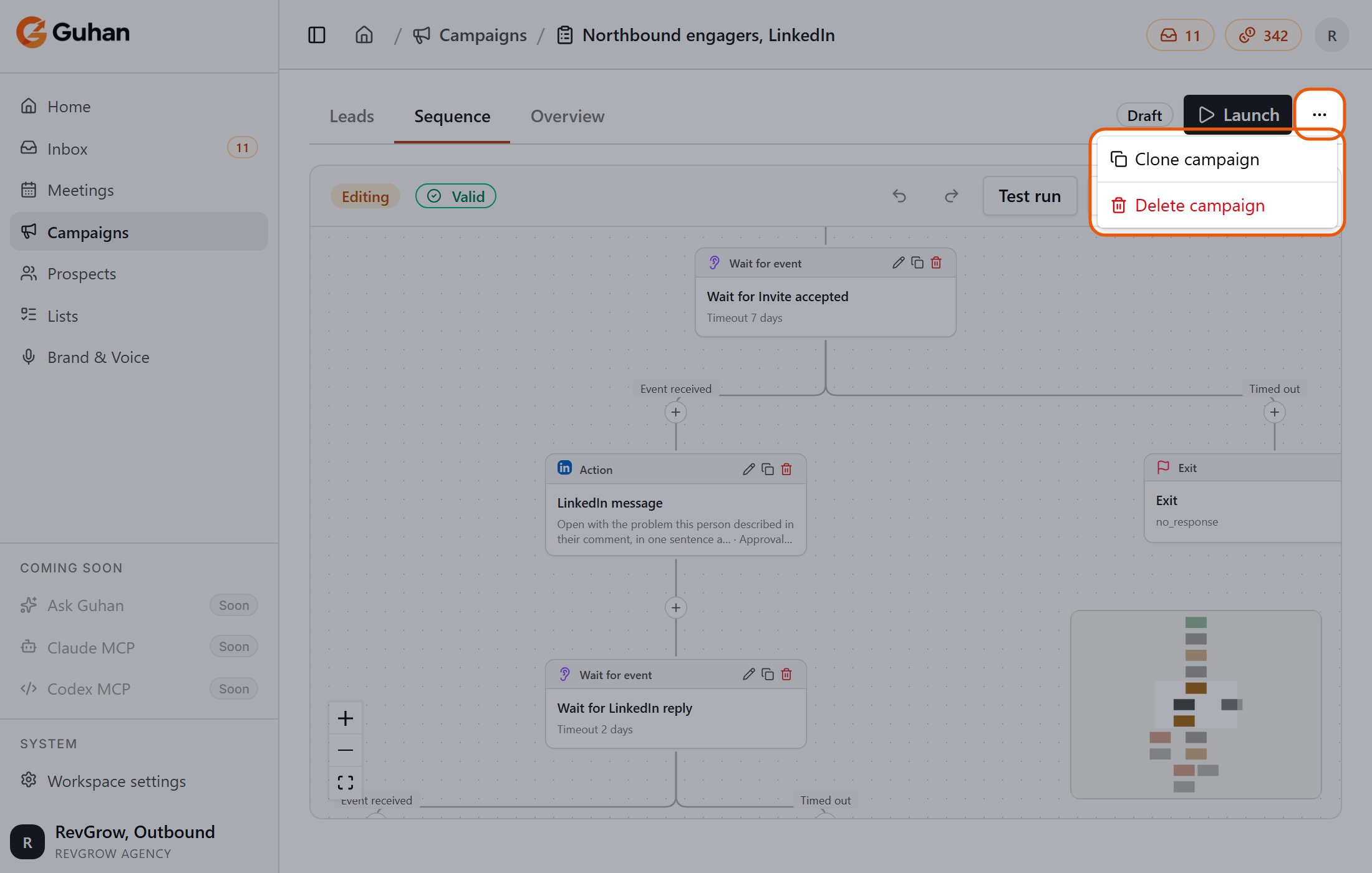
The ... menu on the campaign page: Clone campaign and Delete campaign
Delete a campaign
Open the … menu and choose Delete campaign. Active campaigns cannot be deleted, so pause first. The confirmation shows what will be removed: enrolled prospects, conversation threads, message records, open tasks, and meetings. You have to type delete to confirm. Deleting is permanent. Prospects stay on your lists; only this campaign’s record of them is removed. A short audit record (the campaign’s name, created date and total send and reply counts) is kept so billing still adds up.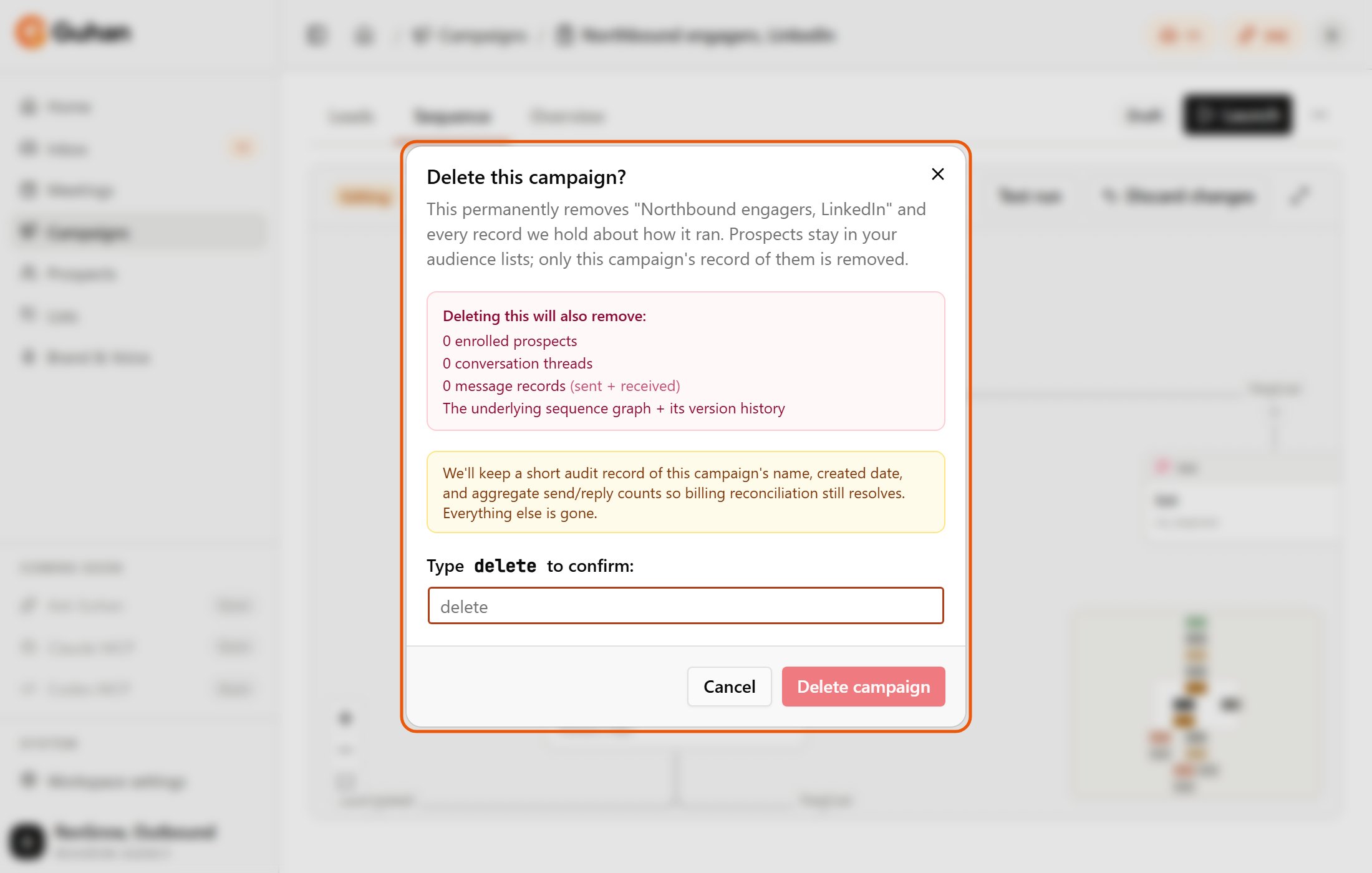
Delete asks you to type delete and lists what will be removed
If something is off
Launch is disabled
Launch is disabled
Sent count is zero after launch
Sent count is zero after launch
Prospects are paused and I did not pause them
Prospects are paused and I did not pause them
Nothing sends and the workspace shows read-only
Nothing sends and the workspace shows read-only